NERSI ₦50,000 Payment USSD Codes: How to Accept FG Cash Relief
 Admin
Introduction
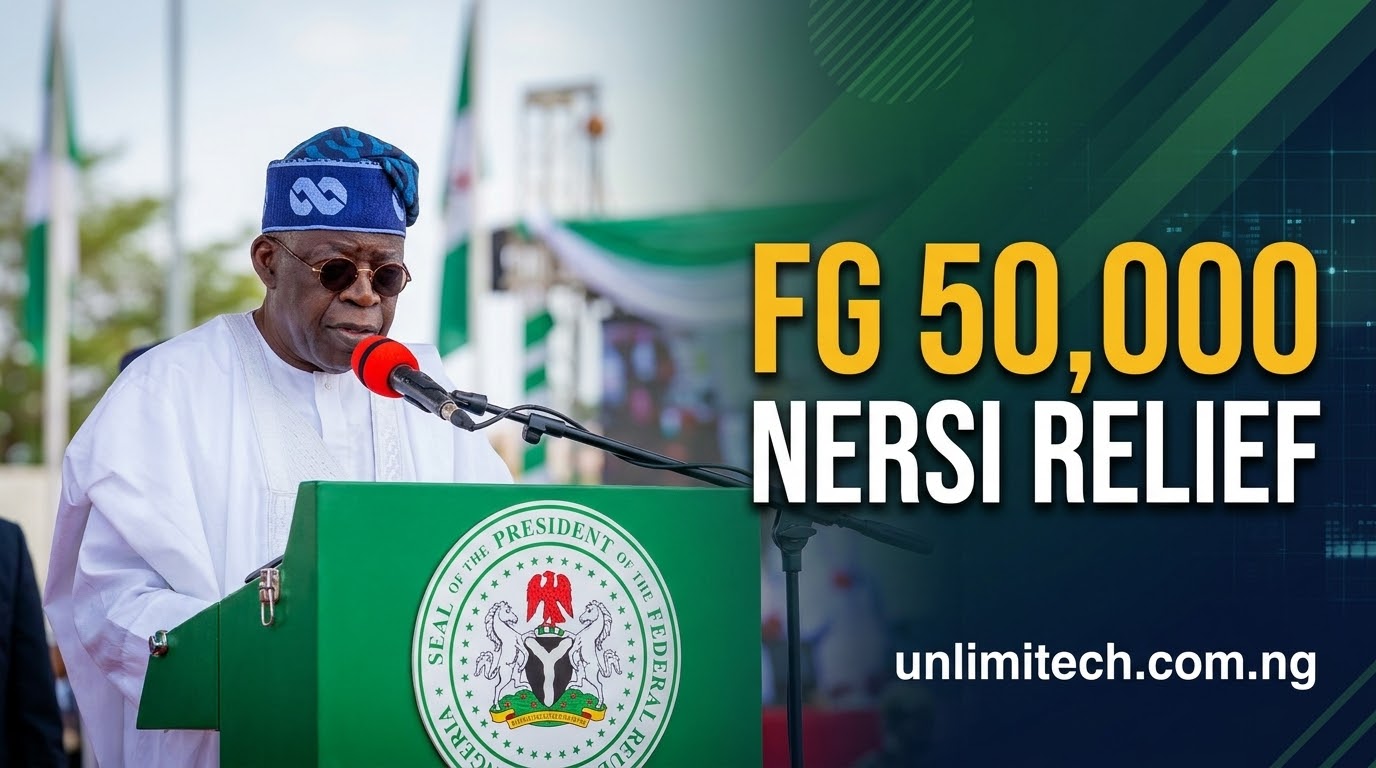
The Federal Government of Nigeria, through the Federal Ministry of Humanitarian Affairs and Poverty Reduction, has officially commenced the disbursement of the ₦50,000 National Emergency Relief and Stabilisation Intervention (NERSI) cash support to poor and vulnerable households across the country.
Designed to cushion the impact of rising living costs, the intervention transfers funds directly into beneficiaries' mobile wallets linked to their phone numbers and National Identification Numbers (NIN). If you receive an official SMS notification, you must dial a specific USSD code corresponding to your designated provider to accept the payment.
Program Summary at a Glance
- Program Name: National Emergency Relief and Stabilisation Intervention (NERSI)
- Relief Amount: ₦50,000 per selected beneficiary
- Target Audience: Verified vulnerable households from the National Social Register
- Payment Method: Mobile Wallets linked to phone number & NIN
- Approved Partners: Wema Bank/ALAT, MoMo PSB, OPay, NairaGram, and Moniepoint
- Official Helpline: 0700-022-2222
- Processing Cost: 100% FREE (No registration fee required)
Official NERSI ₦50,000 USSD Codes for All 5 Platforms
Each selected beneficiary receives notification from one of five licensed financial service providers. Dial only the code that matches the official SMS received on the phone number registered with your NIN:
- 🏦 ALAT by Wema Bank: Dial
*945*23# - 📱 MoMo PSB (MTN): Dial
*671*0# - 💚 OPay: Dial
*955*20#(or accept via OPay App homepage prompt) - 📲 Moniepoint: Dial
*557*327#(or accept via app) - 💳 NairaGram: Dial
*726*00#
Note for MTN / OPay Users: You may receive an automated on-screen pop-up notification instead of standard SMS. Press 1 or click the app banner to grant consent and proceed.
Step-by-Step: How to Accept Your ₦50,000 Relief Payment
- Step 1: Check Your SMS — Ensure you receive a genuine text message from an approved sender (ALAT, MoMo PSB, OPay, NairaGram, or Moniepoint).
- Step 2: Dial the Matching USSD Code — From the phone number linked to your NIN, dial the exact USSD code specified in your notification.
- Step 3: Provide Consent — Follow the prompt and select YES to accept the Federal Government transfer into your mobile wallet.
- Step 4: Wallet Creation & Credit — Upon confirmation, your mobile wallet is linked instantly and credited with ₦50,000.
- Step 5: Withdraw Funds — You can cash out at any bank branch or Point of Sale (POS) agent, or transfer/spend directly from your mobile app.
How Beneficiaries Are Selected (No Public Form Required)
The Ministry of Humanitarian Affairs has emphasized that there is no public application form or registration portal for the NERSI ₦50,000 payment.
Beneficiaries are automatically pulled from verified identity records and the National Social Register (NSR). Selection is based strictly on verified vulnerability metrics. Disbursements are rolled out in continuous batches. If you have not received an SMS yet, make sure the SIM card linked to your NIN remains active.
⚠️ Security Warning: How to Protect Yourself from Scams
Due to high public interest, scammers are actively circulating fake links and chain messages. Protect your money by following these mandatory rules:
- 100% Free: The FG will NEVER demand payment, processing fees, or agent charges before crediting your funds.
- Never Share PINs or OTPs: No official representative or financial provider will ever ask for your 4-digit PIN, OTP, or full BVN.
- Avoid WhatsApp/Telegram Links: Ignore messages asking you to share chain links on social media to "unlock" ₦50,000.
- Verify Sender ID: Ensure SMS notifications strictly come from official brand senders, not unknown 11-digit mobile numbers.
What to Do If Payment Is Delayed After Accepting
If you dialed the code and responded YES but have not seen your balance update:
- Confirm you dialed the code using the exact SIM card registered to your NIN.
- Log directly into the OPay, MoMo, or Moniepoint mobile app to refresh your wallet balance.
- Allow processing time during peak network traffic hours.
- If issues persist, contact your financial provider or call the official NERSI Helpline on 0700-022-2222.
Conclusion
The Federal Government’s ₦50,000 NERSI relief represents a direct, transparent lifeline for Nigerian households. Keep your phone active, dial only the official USSD codes (*945*23#, *671*0#, *955*20#, *557*327#, *726*00#) when notified, and report any suspicious activity to 0700-022-2222.
Admin
Tech Contributor & Creator
Tech enthusiast, web developer, and founder at Unlimitech. Passionate about bringing you authentic fintech reviews, legit online earning opportunities, and the latest technology insights tailored for Nigerians.


💬 Comments & Discussion 0
Leave your thought or review
Your email address will not be published publicly.