How to Download Your NIN Slip Free — NIMC (2026/2027 Guide)
 Admin
Introduction
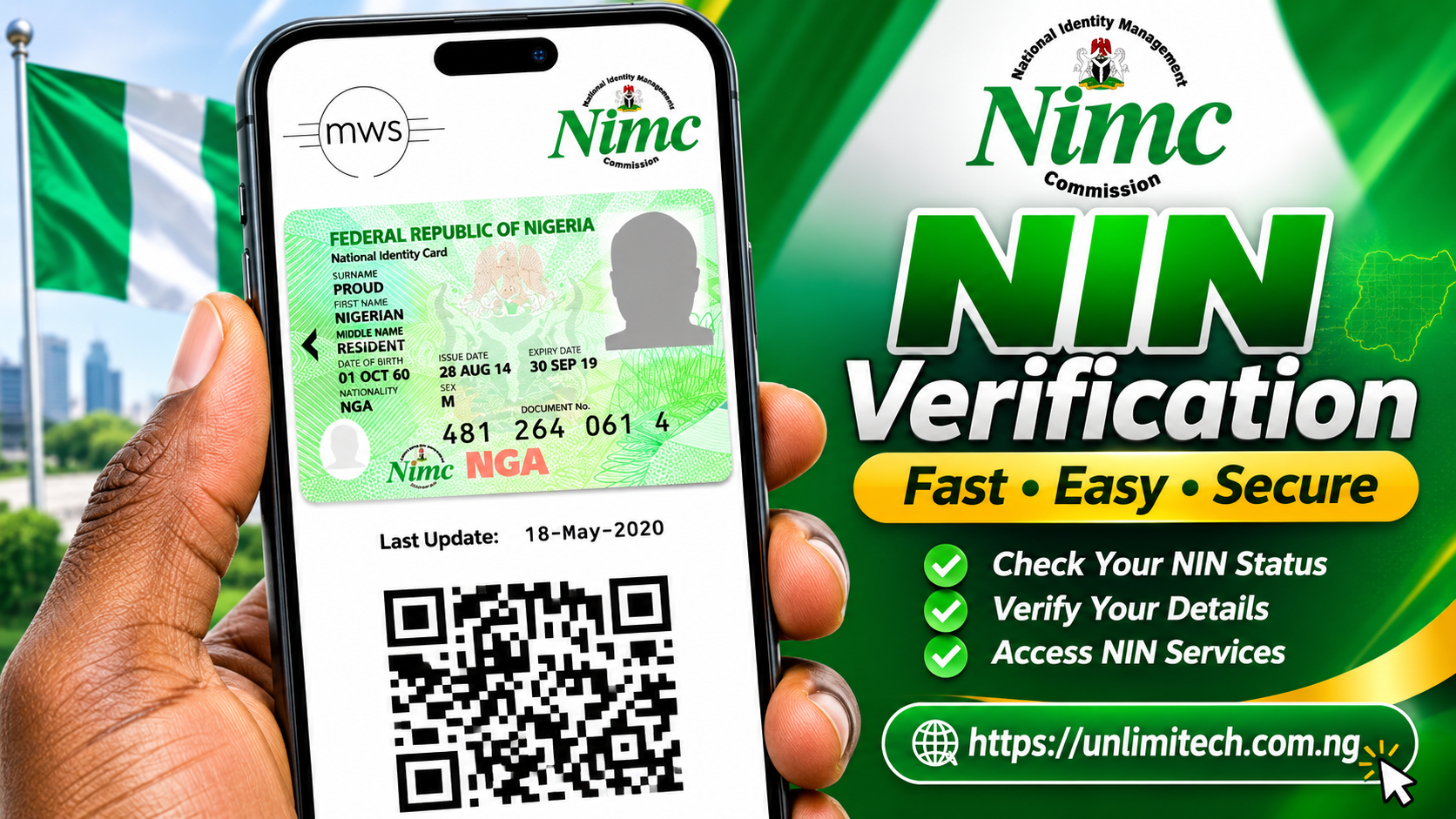
Getting your official National Identification Number (NIN) slip no longer requires enduring endless queues at physical enrolment centres or paying high fees to third-party cybercafé agents. The National Identity Management Commission (NIMC) has officially streamlined the process, enabling all registered Nigerians to download their official NIMC-issued NIN slip directly to their mobile devices completely free of charge.
Whether you need your slip for opening a bank account, clearing immigration documentation, registering a SIM card, or undergoing government verification, this step-by-step guide explains how to obtain your document safely using the official NINAuth mobile application.
What is the NINAuth Application?
First launched by NIMC, the NINAuth platform was created to give Nigerians total control over who accesses their personal identity data across banking, telecoms, government agencies, and educational institutions.
Following updates from the commission, NIN holders can now access built-in self-service options, including downloading their verified NIN slips directly at no cost. According to official details from NIMC, the digital slip downloaded via NINAuth is the same official document issued at physical enrolment centres and is fully recognized and accepted across all financial institutions, government offices, and verification portals nationwide.
Step-by-Step Guide: Downloading Your NIN Slip for Free
The commission demonstrated the exact step-by-step procedure in official technical guidance shared on its social channels. Follow these simple steps on your smartphone:
- Step 1: Download the App — Visit the Google Play Store (for Android) or the Apple App Store (for iOS) and install the official NINAuth application. (Always confirm that the developer name displays National Identity Management Commission before downloading).
- Step 2: Launch and Onboard — Open the NINAuth app on your mobile device.
- Step 3: Tap "Do More with NINAuth" — Navigate through the main dashboard menu and select the “Do More with NINAuth” option.
- Step 4: Select NIN Slip — From the list of available self-services, choose “NIN Slip”.
- Step 5: Perform Facial Authentication — Complete the biometric facial scan check. The app uses your smartphone camera to quickly match your face against the official National Identity Database to verify ownership.
- Step 6: Save Your Slip — Upon successful verification, tap “Download NIN Slip”. The official PDF document will automatically save into your phone's storage.
“Once verified, click on ‘Download NIN Slip’ to generate and save the official NIMC-issued NIN slip into your mobile phone... It is that simple, it is free, available, and a few taps away.” — NIMC Official Statement
Understanding Your National Identification Number (NIN)
The National Identification Number (NIN) is an 11-digit unique number issued to Nigerian citizens and legal residents upon successful enrolment into the national registry. It serves as a foundational identity anchor, linking personal records—such as health records, tax identification numbers, and credit histories—into a secure database.
If you have not registered for a NIN yet, you must first visit an accredited NIMC enrolment center to submit demographic details and undergo physical biometric capturing (fingerprints and facial photo). Once your 11-digit number is generated, you can immediately use NINAuth for subsequent digital management and slip downloads.
4 Key Security Tips When Using NINAuth
- Avoid Fraudulent Agents: NIMC does not charge any fee for downloading your NIN slip via the NINAuth app. Do not pay money to unverified online agents promising digital slips.
- Verify Official App Links: Always download NINAuth directly from official app stores or the official domain at
ninauth.nimc.gov.ng. - Protect Your PDF File: Save your downloaded NIN slip PDF in a secure folder or encrypted cloud storage on your device.
- Device Security: Never perform facial authentication or download identity documents on public or shared devices.
Conclusion & Unlimitech Summary
The ability to instantly retrieve your official NIN slip free of charge marks a huge win for digital convenience in Nigeria. By eliminating physical queues and agent extortion, NIMC has made identity verification accessible to everyone with a smartphone. Update your NINAuth app today, download your copy, and keep your official identity documentation handy wherever you go!
Admin
Tech Contributor & Creator
Tech enthusiast, web developer, and founder at Unlimitech. Passionate about bringing you authentic fintech reviews, legit online earning opportunities, and the latest technology insights tailored for Nigerians.

💬 Comments & Discussion 0
Leave your thought or review
Your email address will not be published publicly.